





How Do I Change My Password?
If you would like to change your password, please follow these steps:
- Log in to the Polka Dot Powerhouse website.
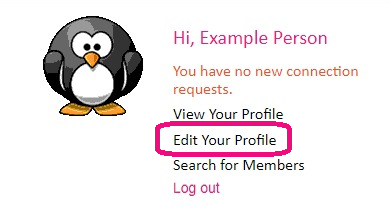
- Click on the link that is located under your profile image that says "Edit Your Profile".
- Go to the "Account Information" tab.

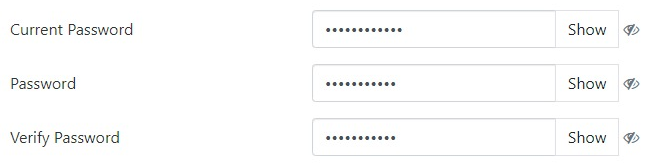
- You can change your password by entering your current password in the "Current Password" field (this lets us know that it is really you who is changing the password). Then, enter your new password into the "Password" field, and then re-type the new password again in the "Verify Password" field (this is to make sure that your new password is correct).
- Click the Pink "Update" button at the bottom to complete your update.